Photo Collage Maker: A Complete Guide to Creating Stunning Collages
Looking for a creative way to display your favorite memories? A photo collage maker can transform your photos into stunning visual stories with ease. Whether you want to combine vacation snapshots, family events, or social media images, the right collage maker makes the process seamless - from free collage maker online tools to powerful desktop collage makers. In this comprehensive guide, we'll explore what a photo collage maker is, the best software options available, platform choices like collage maker for iPhone, and effective tips to get the most out of your creations.
What Is a Photo Collage Maker?
Definition and Purpose
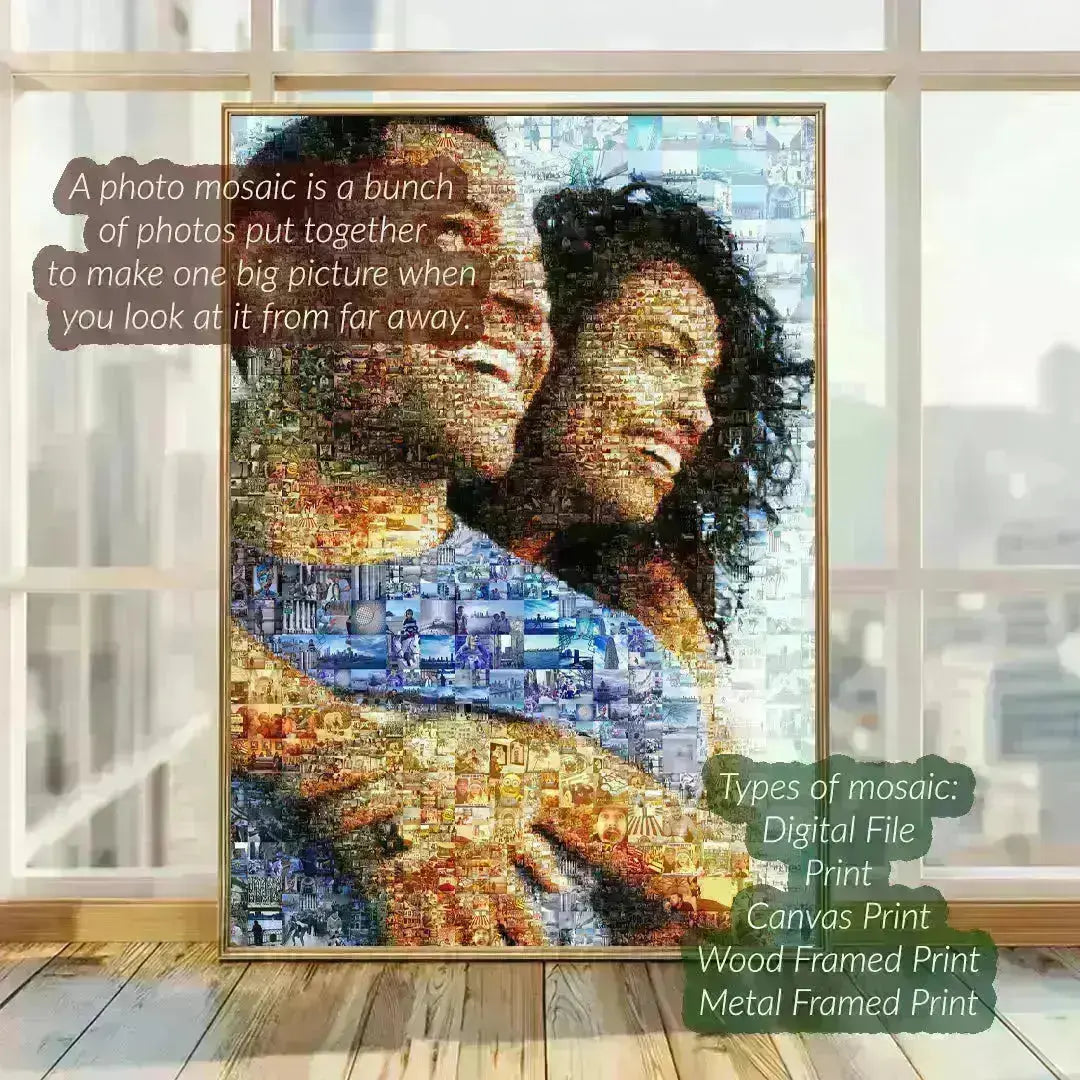
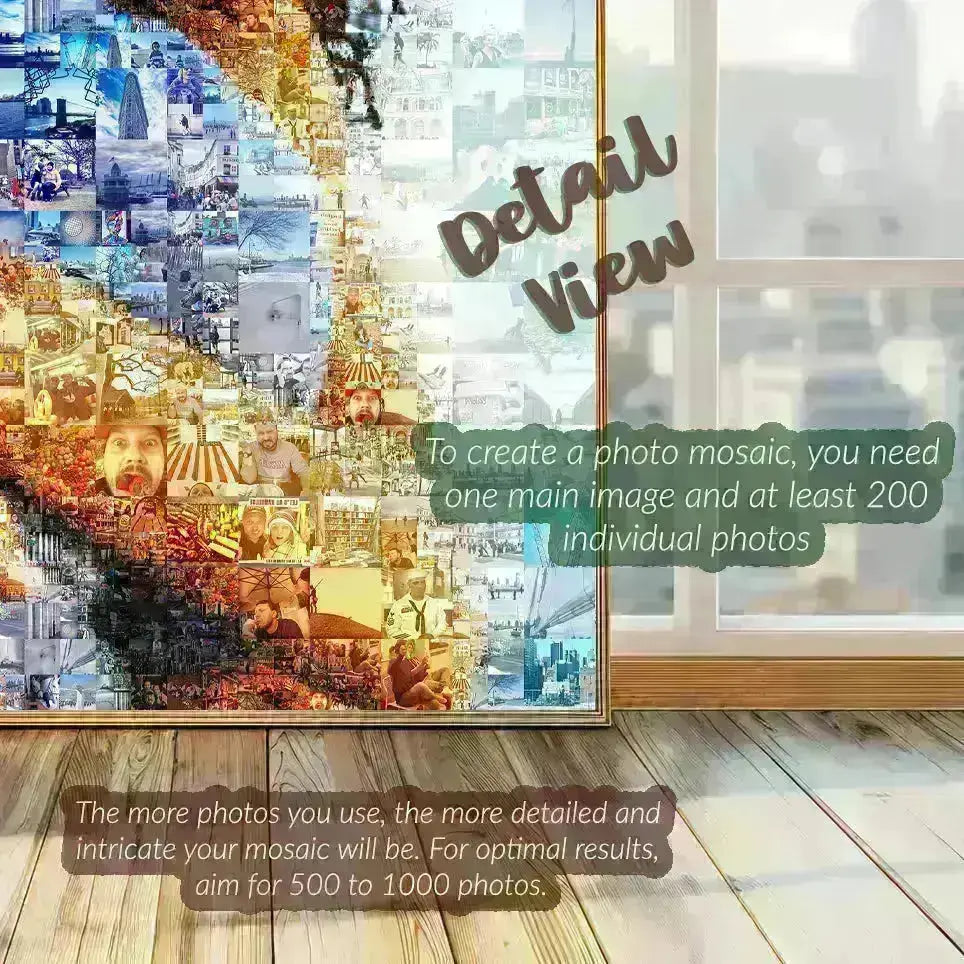
A photo collage maker is a digital tool or application that enables users to arrange multiple photos in a single, creatively designed layout. These tools simplify the design process by offering customizable templates, drag-and-drop interfaces, and editing features like borders, text, and effects. Collage makers cater to both beginners and advanced users, making it easy to produce striking photo mosaics, themed collages, or artistic photo stories.
Types of Collage Makers
Collage makers come in various forms tailored to your device and needs:
- Online Collage Makers: Accessible through web browsers with no download required, often offering free collage maker online options.
- Desktop Collage Makers: Software installed on your computer (Windows or Mac), providing more advanced editing tools and offline use.
- Mobile Collage Maker Apps: Designed for iPhones, iPads, and Android devices, offering quick on-the-go collage creation with easy sharing.
Top Photo Collage Maker Tools in 2025
Best Free and Paid Software Options
Choosing the best collage maker depends on your requirements, such as ease of use, feature set, and platform compatibility. Here are some standout choices:
- Canva: A versatile online collage maker online free option with extensive templates, drag-and-drop, and design elements.
- Adobe Express: Offers a powerful free collage maker online with AI-assisted features and customization tools.
- Fotor: Free collage maker for PC and Mac with easy collage layouts and editing filters.
- PicCollage (Mobile App): A popular collage maker app for iPhone and Android, ideal for quick mobile projects.
- PhotoScape X: A desktop collage maker with detailed photo editing and collage prompting features.
Automatic Collage Maker Options
Some software includes an automatic collage maker function that intelligently arranges your photos based on aspect ratios, color matching, and layout balance. This feature saves time and is great for users looking for an easy collage maker experience without manual adjustments.
How to Use a Photo Collage Maker Effectively
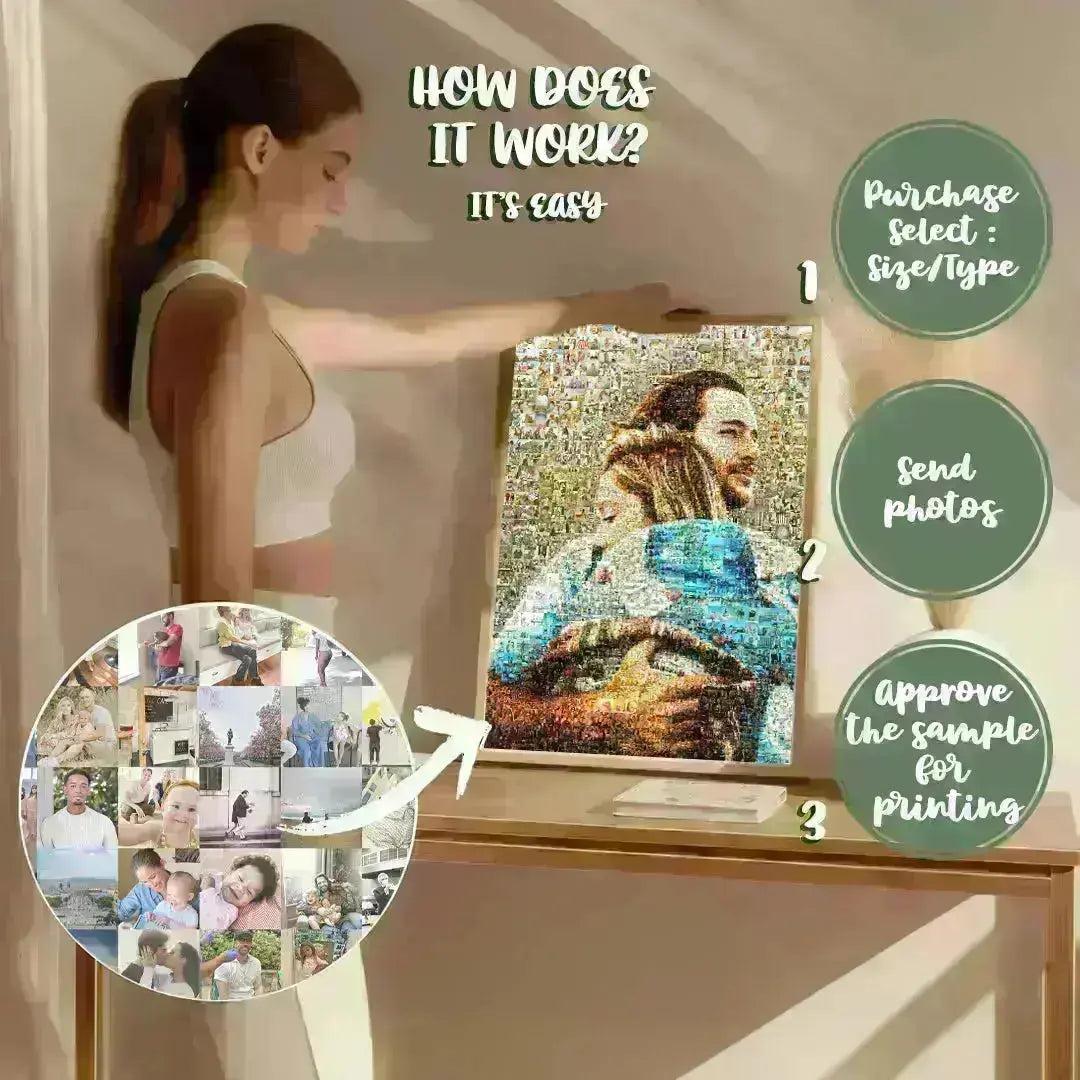
Step-by-Step Guide to Creating a Collage
- Select Your Photos: Choose high-quality images that share a theme or style to maintain collage coherence.
- Pick a Template or Layout: Start with preset templates or blank canvases depending on your comfort level.
- Customize Your Design: Adjust borders, add text, stickers, or frames using an easy collage maker interface.
- Review and Edit: Crop, rotate, or apply photo effects to enhance visual appeal.
- Save and Share: Export your collage in the desired format; many tools support high-resolution outputs suitable for printing or online sharing.
Tips for Creating Stunning Collages
- Use consistent color palettes or filters to unify photos.
- Balance busy images with simpler ones to avoid overwhelming layouts.
- Incorporate white space strategically for a clean, modern look.
- Leverage text and icons to tell a story or highlight key moments.
- Try different shapes and grid types—irregular layouts can add creative flair.
Platforms: Where to Find a Photo Collage Maker
Online Collage Makers
Photo collage maker online free platforms like Canva, Adobe Express, and Fotor allow instant use without installation. They offer accessibility anywhere, auto-saving projects, and seamless social media sharing.
Desktop Collage Maker Software
For more control, consider a desktop collage maker like PhotoScape X or FotoJet which provide robust editing and offline capabilities ideal for professional use or large projects.
Mobile Collage Maker Apps for iPhone
Collage maker apps for iPhone such as PicCollage or Photo Collage Maker App provide convenient, on-the-go collage creation. Most offer free collage maker options with premium upgrades for additional features.
Comparisons: Choosing the Best Collage Maker for Your Needs
Features and Usability
When selecting a collage maker, consider features like template variety, user interface simplicity, editing tools, and export options. For example, easy collage maker apps suit beginners, while desktop collage makers provide advanced capabilities like batch processing.
Cost and Accessibility
Free collage maker online options are perfect for casual use, but premium tools often unlock high-res exports, expanded asset libraries, and ad-free experiences. Mobile users benefit from apps with family sharing and cloud syncing for convenience.
Conclusion: Elevate Your Visual Storytelling with a Photo Collage Maker
A photo collage maker is a versatile and inspiring tool that helps anyone, from novice creators to seasoned designers, craft meaningful collections of memories. By understanding the best tools, features, and platforms—whether you prefer a free collage maker online or a robust desktop collage maker—you’re equipped to create beautiful, balanced, and compelling photo collages. Dive into the creative process today, explore the options outlined in this guide, and bring your photos to life in fresh, exciting ways.
Ready to start your collage journey? Explore a photo collage maker now and turn your favorite images into stunning works of art!